
Transform animals into interactive avatars using animal mode.Documentation Index
Fetch the complete documentation index at: https://docs.bithuman.ai/llms.txt
Use this file to discover all available pages before exploring further.
Available Animal Characters
Use prompts to generate or upload your own pet photos: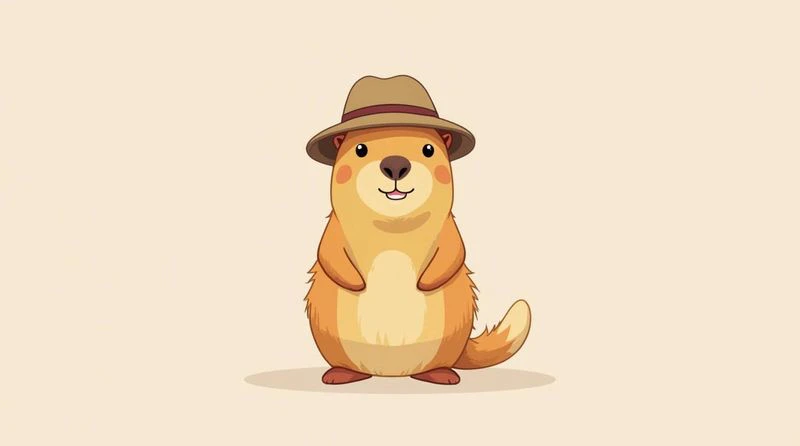
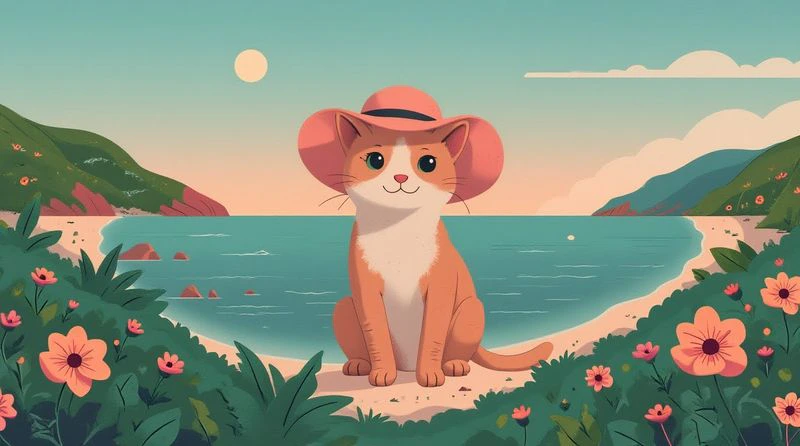
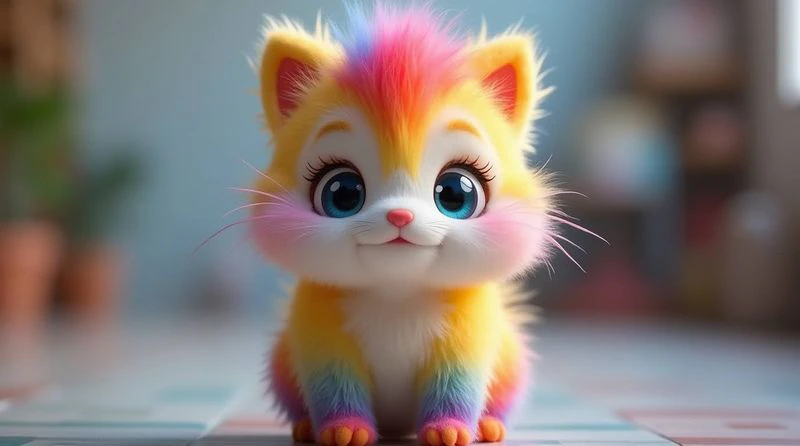
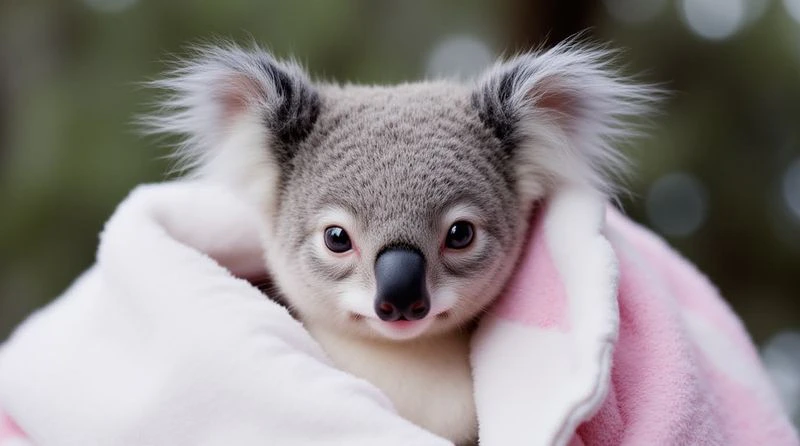
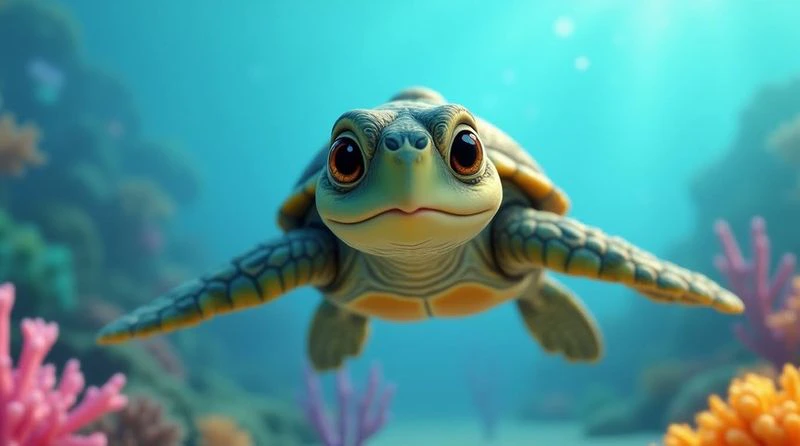
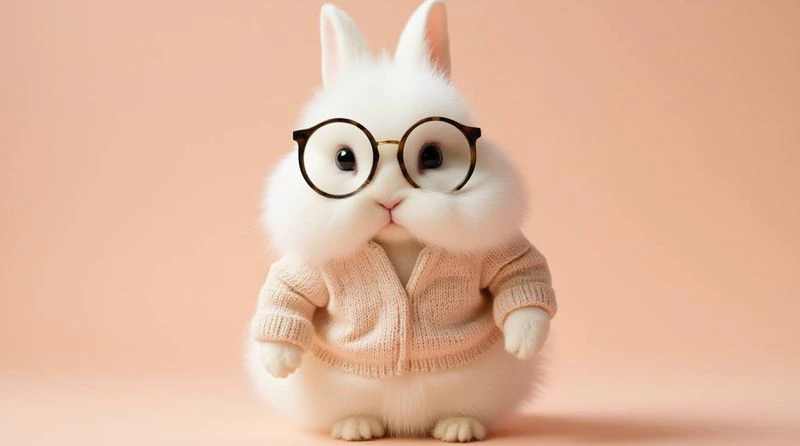
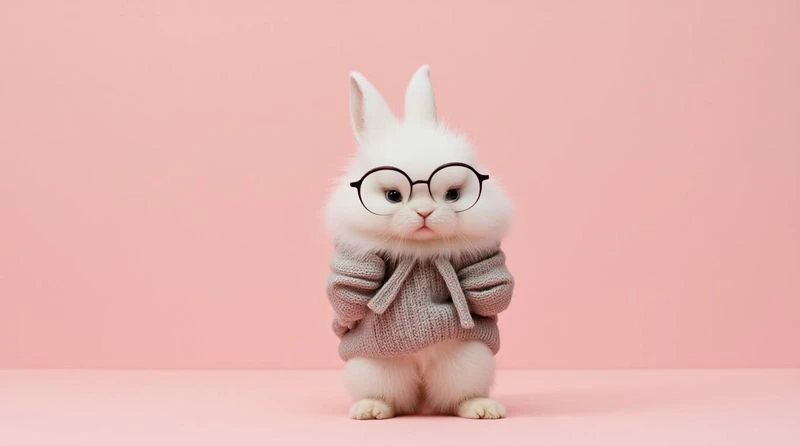
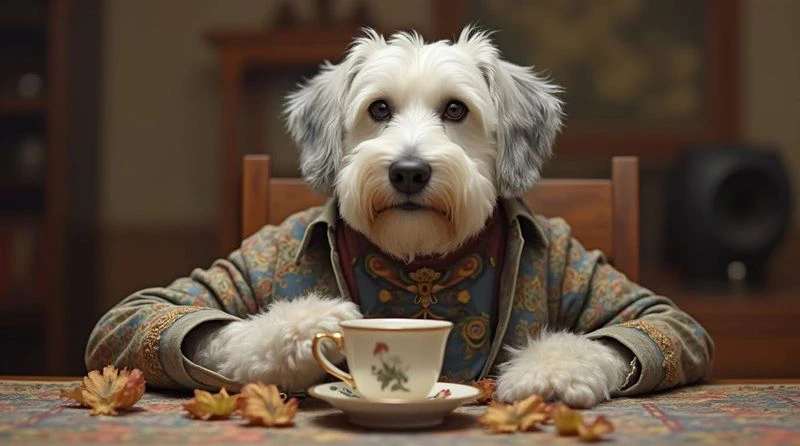
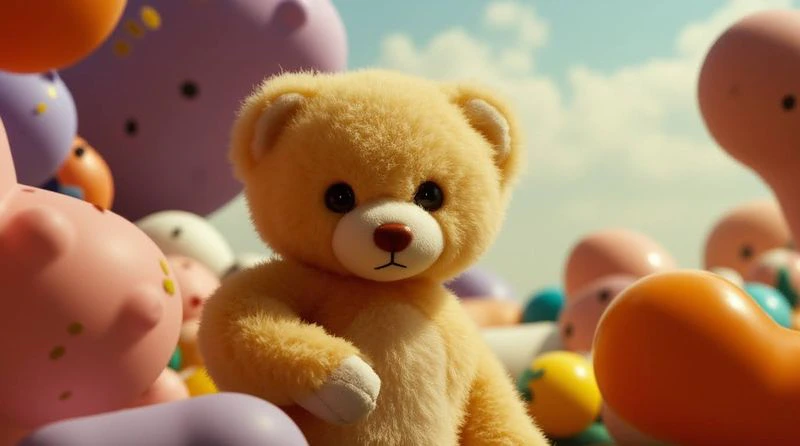
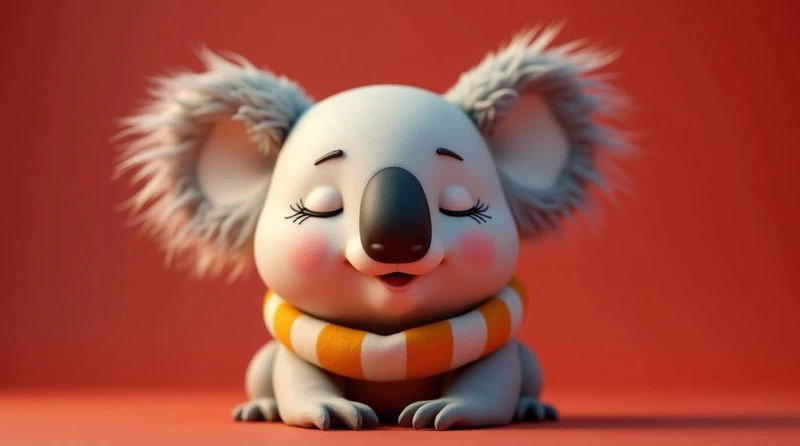
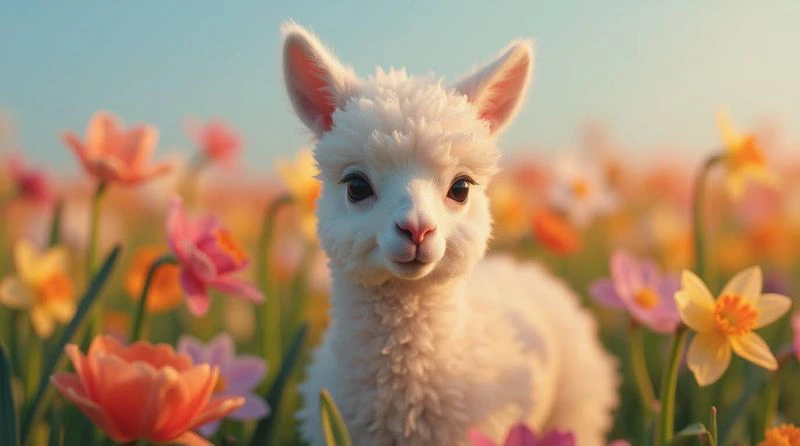
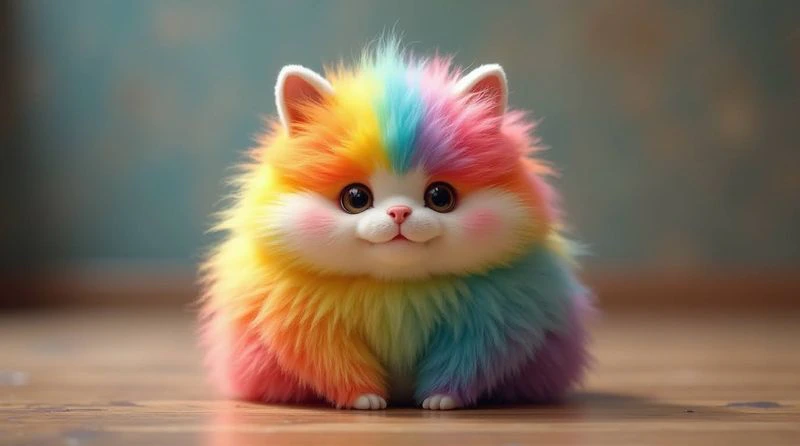
Automatic Face Detection
The AI system automatically locates the character’s face and body in animal images, enabling natural movement and expression mapping. What works automatically:- Eye tracking for natural gaze
- Mouth detection for speech sync
- Expression mapping for emotions
- Facial landmarks for precise animation
Manual Face Marking
When the AI cannot locate facial features automatically, you’ll be prompted to manually mark key points.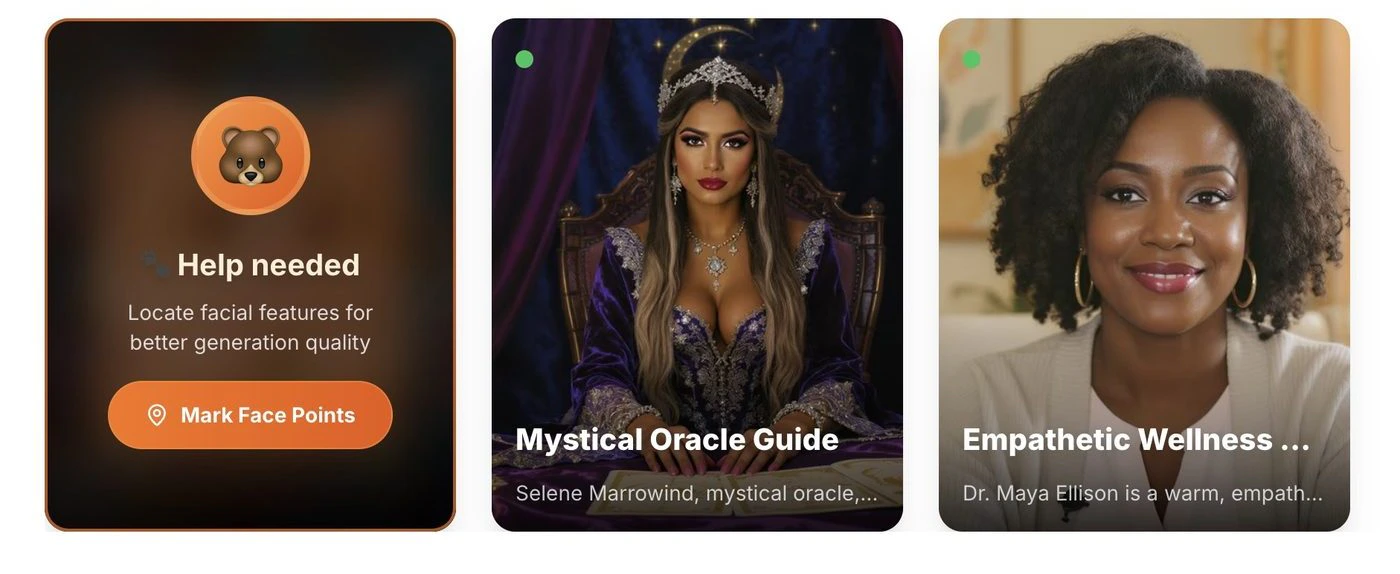
Marking Process
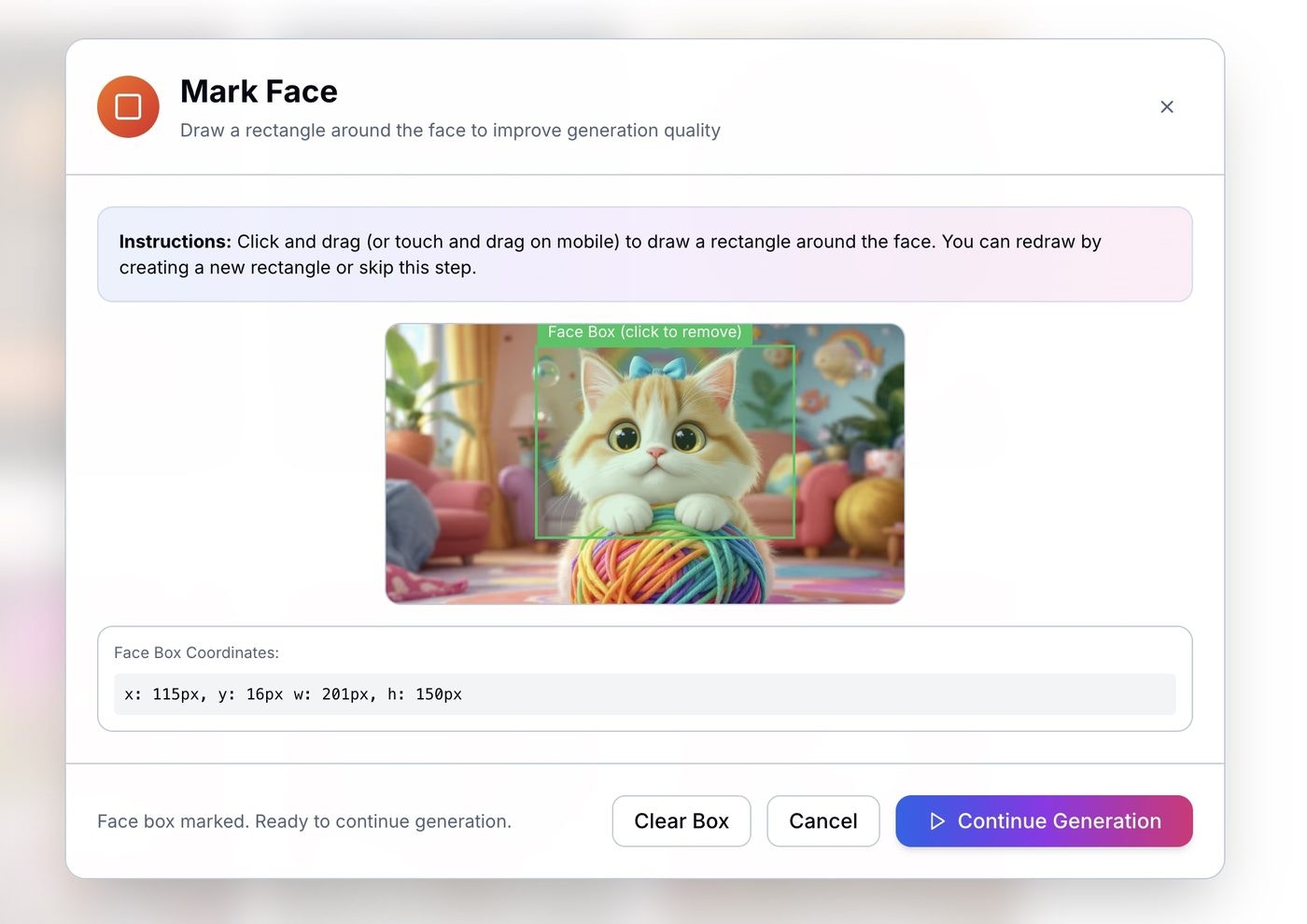
Best Practices
For optimal results:- Clear facial features — ensure eyes, nose, mouth are visible
- Front-facing pose — straight-on view works best
- Good contrast — features should stand out from background
- High resolution — more detail means better detection
| Problem | Solution |
|---|---|
| Face not detected | Use a front-facing photo with clear eyes, nose, and mouth visible |
| Poor lip-sync | Try a higher-resolution image with more contrast around the mouth |
| Unnatural movement | Avoid side profiles — straight-on views work best |
- Start with the pre-built animals above for guaranteed compatibility
- Use well-lit, high-contrast images
- For custom pets, crop the image so the face fills most of the frame
- Test with simple expressions first