
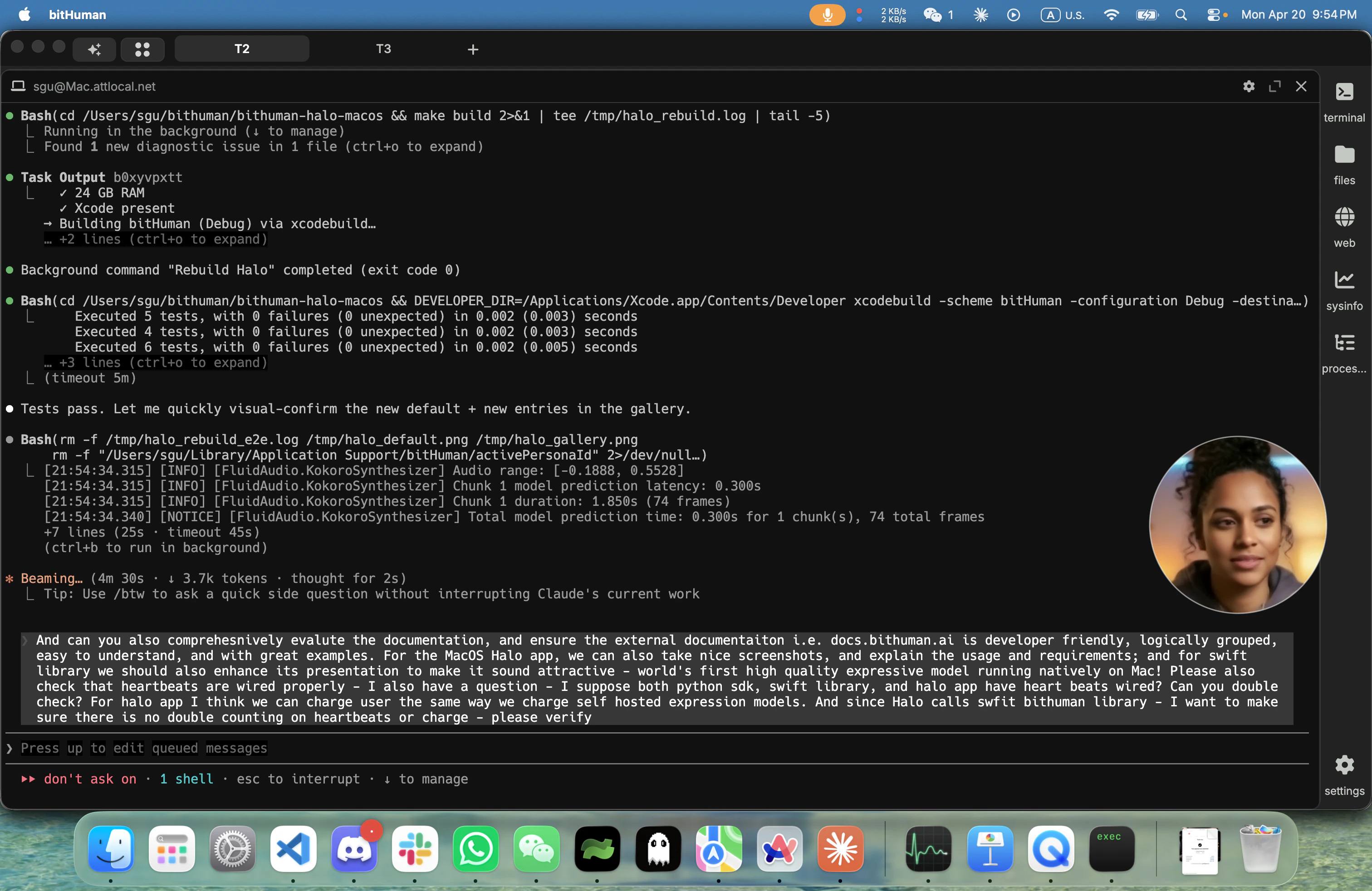
Halo is consumer zero of the bitHuman Expression Swift SDK. Every API the SDK exposes lands in Halo first, so what you see here is a working reference for what you can build on top. The same pipeline is available to Python developers via
pip install bithuman (apple-expression example).What it does
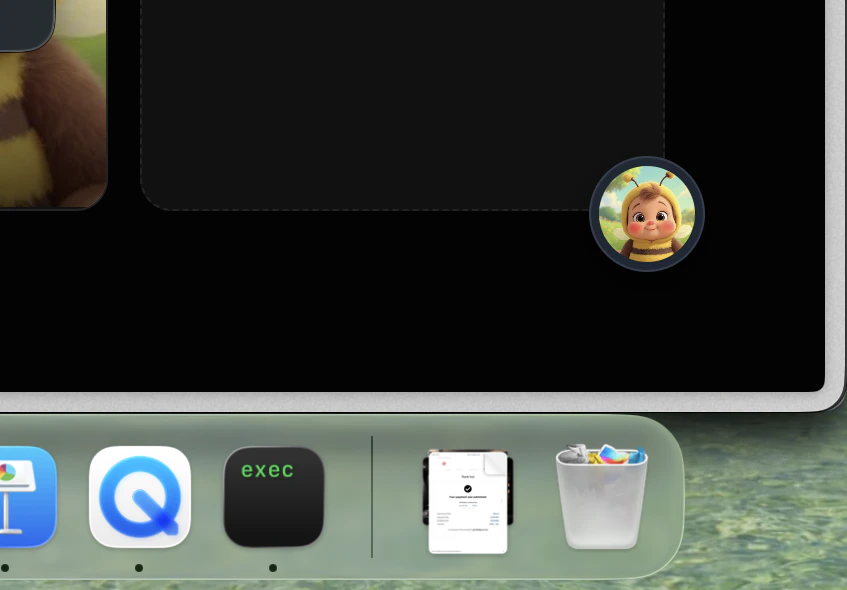
- A floating companion in the lower-right corner — circle (195 pt) or rounded square (320 pt), swap at any time
- Speak → local STT transcribes → local LLM replies → local TTS speaks → avatar lip-syncs to the audio
- Barge-in — interrupt mid-sentence; the pipeline resets cleanly, confirmed by a bright coral pulse
- Drag-drop any portrait onto the avatar to swap the face (VAE-encoded on the fly, ~300 ms)
- Right-click for the unified Personality dialog — 20 curated bitHuman agents, six text-only templates, or a free-form custom prompt with voice picker
- Menu bar icon is the current persona’s face, circular-cropped, updating live
- Pre-rendered idle motion — subtle breathing, blinks, head sway — replayed from a palindrome loop cache so idle is zero-GPU
- Auto-updates via Sparkle 2
Install
Check your Mac
Halo requires macOS 14+, an Apple M3 or later (M5+ recommended), and 16 GB RAM. ~5 GB free disk.The avatar runs on Apple Silicon M3 or later, with M5+ recommended for the smoothest experience. M1 and M2 are not supported.
Download the DMG
Download bitHuman Halo → (12 MB, Developer ID signed + notarized by Apple)Gatekeeper will open the app without warnings. Auto-updates flow through Sparkle 2 thereafter — the app checks for updates in the background and installs them on the next launch.
Install + launch
Open the DMG, drag bitHuman to
/Applications, and launch.On first run:- Grant microphone access when macOS prompts
- The app downloads ~3.7 GB of model weights (voice models + lip-sync model) with a visible progress UI
- Itemized boot status pills show each component warming up:
files → voice → language → face → idle motion - A brief four-step welcome guides you through the gestures
~/Library/Application Support/bitHuman/.Start a conversation
Say hello.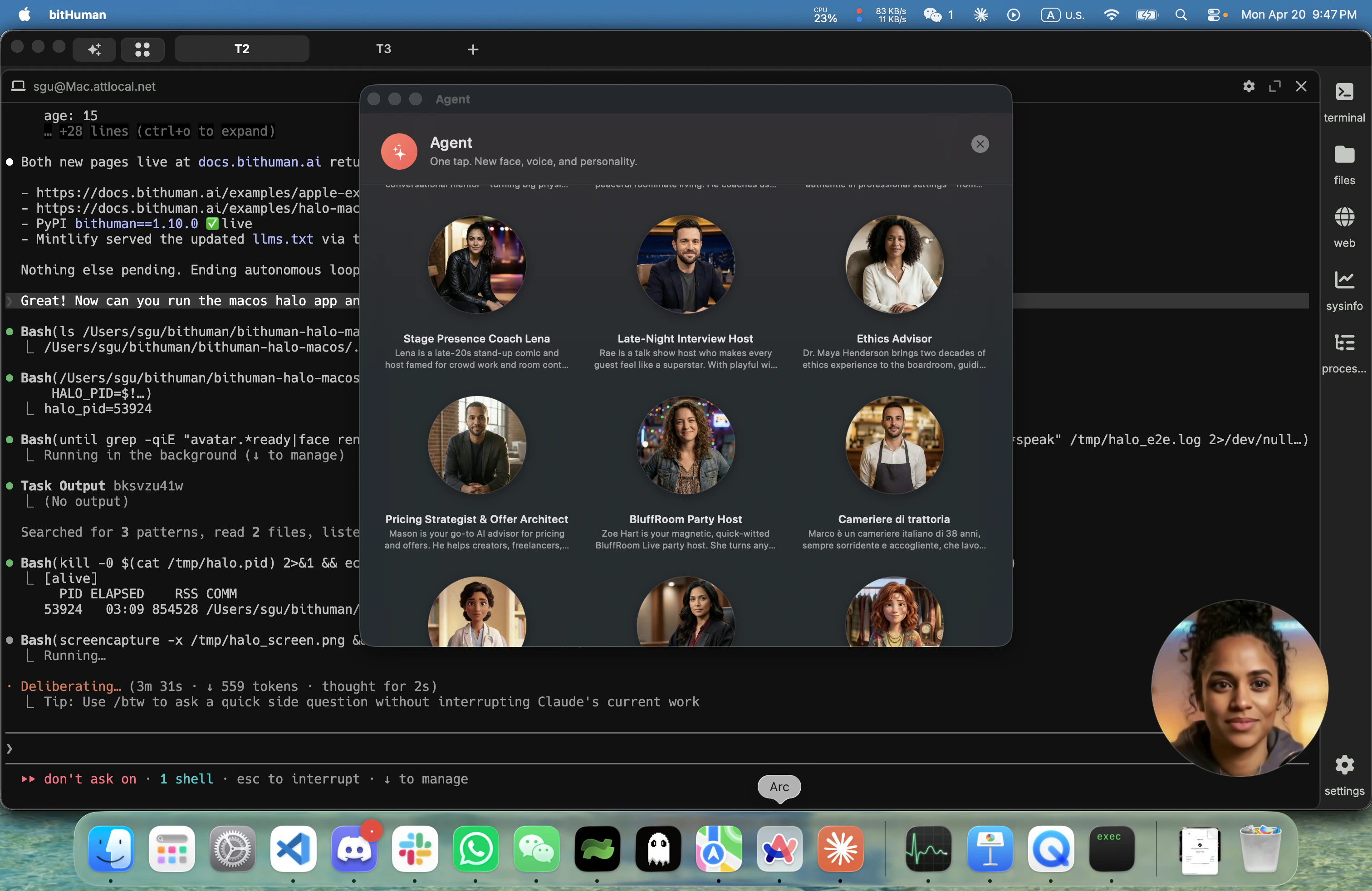
- Left-click the avatar to open the chat panel (typed input + conversation history alongside voice)
- Right-click for the Personality dialog (switch face + voice + system prompt) — 20 curated bitHuman agents plus free-form custom prompts
- Drag any JPG/PNG portrait onto the avatar — it swaps the face live without rebooting the pipeline
What runs locally
Everything you’d expect from a voice assistant — plus the lip-synced avatar — runs natively on your Mac:- Listens — detects when you start and stop talking, and transcribes your speech on the Apple Neural Engine
- Thinks — an on-device language model generates responses entirely on your Mac
- Speaks — synthesizes a natural-sounding voice from the reply text
- Animates — drives the avatar’s lips frame-by-frame in lockstep with the audio, at 25 FPS
Technical stack (for the curious)
Technical stack (for the curious)
| Stage | Implementation |
|---|---|
| Voice activity detection | On-device via Core ML |
| Speech recognition | On-device via Apple Neural Engine |
| Language model | On-device via Metal GPU |
| Text-to-speech | On-device via Core ML |
| Lip-sync animation | bitHuman Expression model on Metal GPU |
| Display | 25 FPS |
Sign in (optional)
Halo is free and fully usable without an account. Signing in lets us link your Halo usage to your existing bitHuman.ai account — handy if you want to see all your activity in one dashboard or move your settings across Macs in the future. Click Account & Privacy… from Halo’s menu-bar icon, then Sign in with email or Google. A browser tab opens for sign-in (email, Google, Apple, GitHub, and more), and you’re bounced back to Halo via ahalo:// URL — no keys to paste, no passwords to manage.
No bitHuman account yet? The sign-in page offers sign-up; Halo auto-provisions a free account.
Build your own
Halo is a reference application. The animation pipeline that powers Halo is available for you to build on directly:- Python —
pip install bithuman+ our apple-expression example — 20 lines from a WAV file to a lip-synced MP4 - Swift — the
BithumanAvatarSwift package integrates into any AppKit/SwiftUI app. Contact us for access to the Swift SDK.
Troubleshooting
| Symptom | Cause + fix |
|---|---|
| Gatekeeper warns about the app | You downloaded an unsigned build — re-download from the signed DMG link above |
| App launches but avatar never renders | Weights still downloading — watch the boot status pills. First launch pulls ~3.7 GB |
| ”This Mac isn’t supported” on an M1 / M2 | Expression animator needs M3+ memory bandwidth. Halo checks this at launch; there’s no workaround |
| Voice pipeline stalls after ~minutes of silence | Restart the app — microphone buffer has pathological states on some third-party audio devices |
| Auto-update didn’t trigger | Open About → Check for updates to trigger manually |
Privacy
Halo is designed for privacy by default:- Audio never leaves your Mac — STT, LLM, and TTS all run on-device
- Portraits you drop are VAE-encoded into a local
.npycache; the originals stay on disk - Anonymous usage analytics help us understand how Halo is used. Events are install, session start/end, 5-minute foreground heartbeat, persona change, identity swap, barge-in, link click. Payloads include app version, macOS version, Mac model, and approximate country. We never send audio, portraits, prompts, transcripts, or filenames. Retention is 13 months.
- One toggle off in Account & Privacy → Help improve Halo sends zero telemetry. When off, the feature is fully disabled — no install ping, no heartbeat, nothing.
- Delete my data button in the same panel wipes every server-side row matching this Mac in one call.
- Network calls: Sparkle auto-update check (~once / 24 h), one-time weight download, optional analytics + sign-in.
Next steps
Build your own avatar app
Same Expression pipeline, called directly from Python. Vanilla example on GitHub.
Python SDK on PyPI
pip install bithuman — one API, runs on-device on macOS M3+ or in-process on any CPU.Examples repo
Working examples for every deployment mode — cloud, self-hosted GPU, Apple Silicon, Raspberry Pi.
Contact us
Questions, partnerships, or Swift SDK access — reach out through bithuman.ai.